AI Tools for UI & UX Designers
Discover the best AI tools for UI design, UX research, prototyping, wireframing, and interface workflows. Curated specifically for designers who want to move faster without sacrificing craft.
Curated tools across prototyping, research, motion, and code.
Why AI Is Changing UI & UX Design
AI tools are rapidly transforming how UI and UX designers work — from generating wireframes and user flows to accelerating research, creating micro-interactions, and even producing production-ready code.
Instead of replacing designers, these tools enhance creative workflows. They reduce repetitive tasks, help visualize ideas faster, and unlock new ways to experiment with layouts, typography, and motion.
On this page, you’ll find curated AI tools specifically suited for UI & UX professionals. Whether you’re prototyping a new app, refining user journeys, testing interactions, or generating interface assets, these tools are selected for real design workflows — not generic AI hype.
Best AI Tools for UI & UX Designers
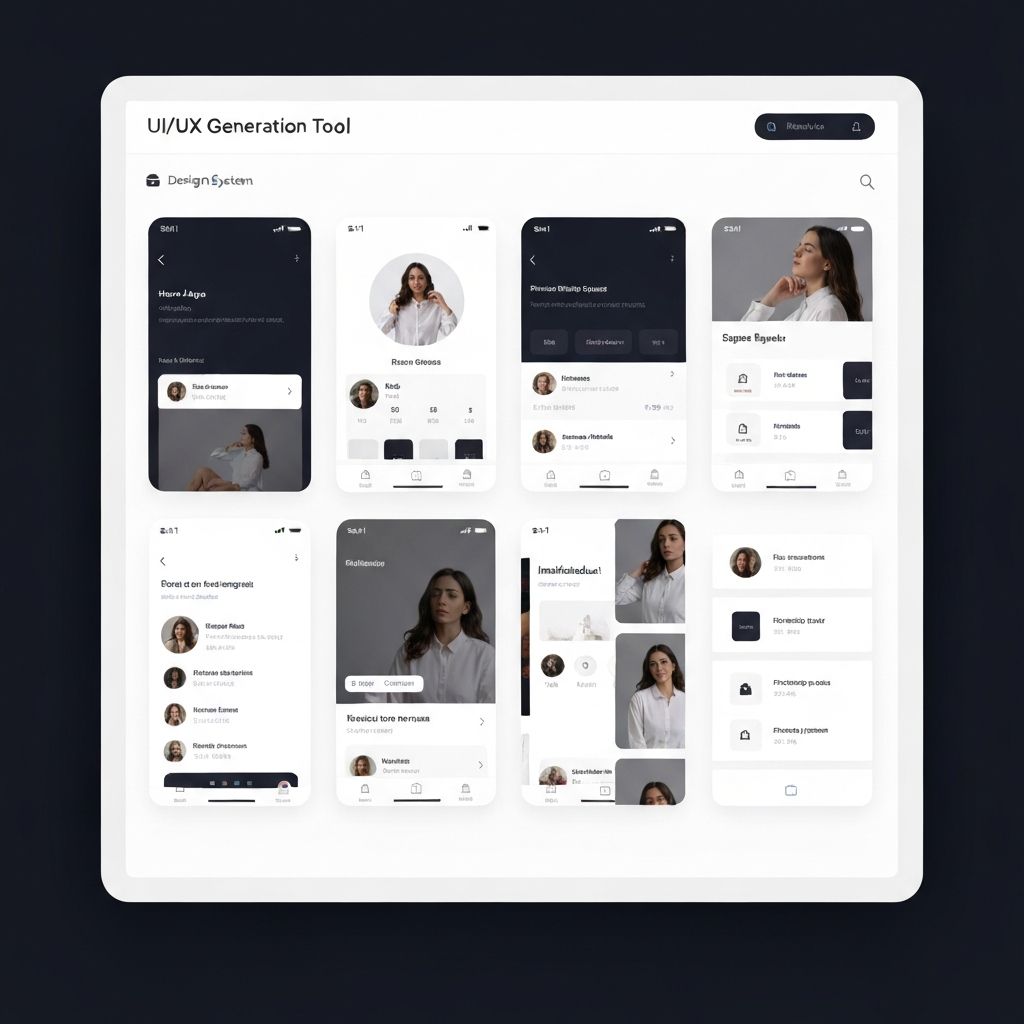
Uizard
Turn hand-drawn sketches and text prompts into editable UI mockups. Useful for rapid wireframing and early-stage concepting.
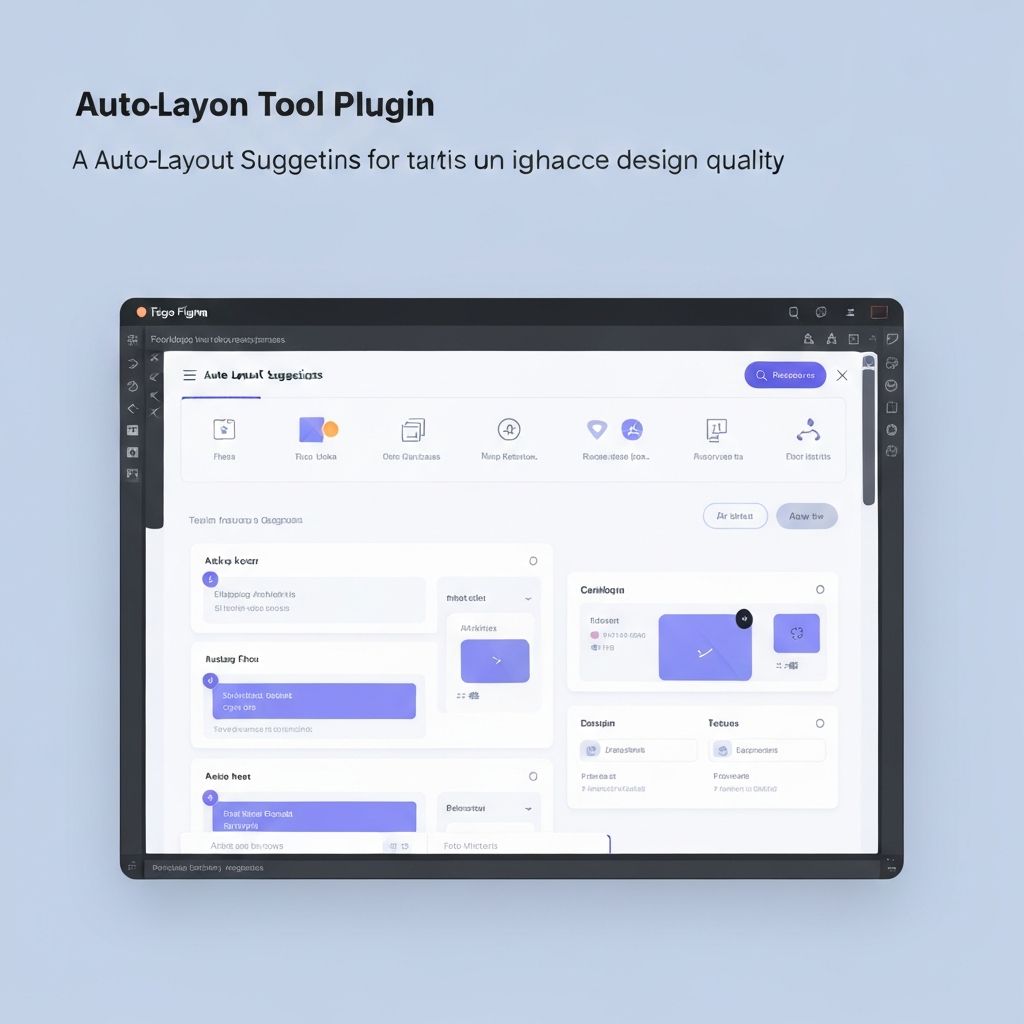
Figma AI
Native AI features inside Figma for layout suggestions, auto-naming layers, and generating design variations within your existing workflow.
Galileo AI
Generate high-fidelity UI designs from natural language descriptions. Produces editable screens with real components and copy.
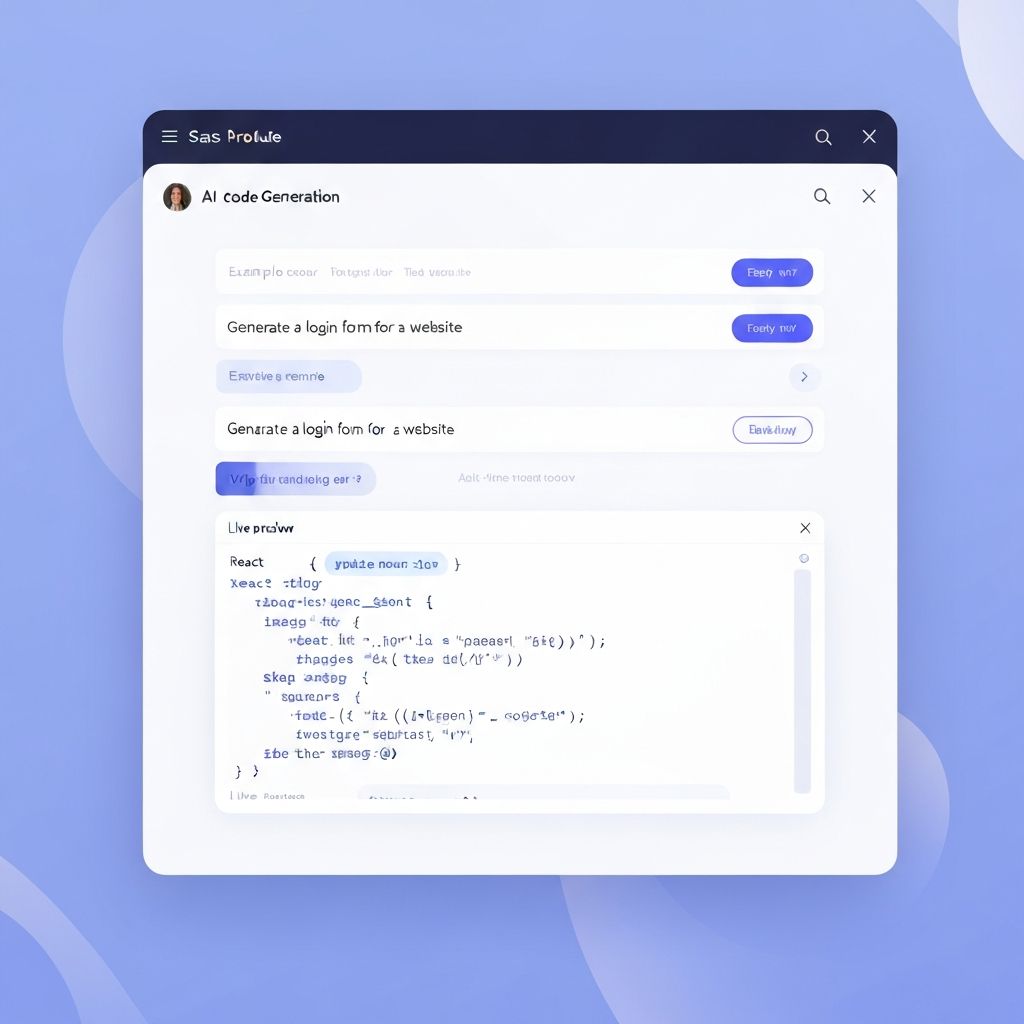
Framer AI
Build production-ready websites from prompts with layout, copy, and responsive behavior generated automatically.
Relume
AI-powered sitemap and wireframe generator that creates structured page layouts based on your project brief.
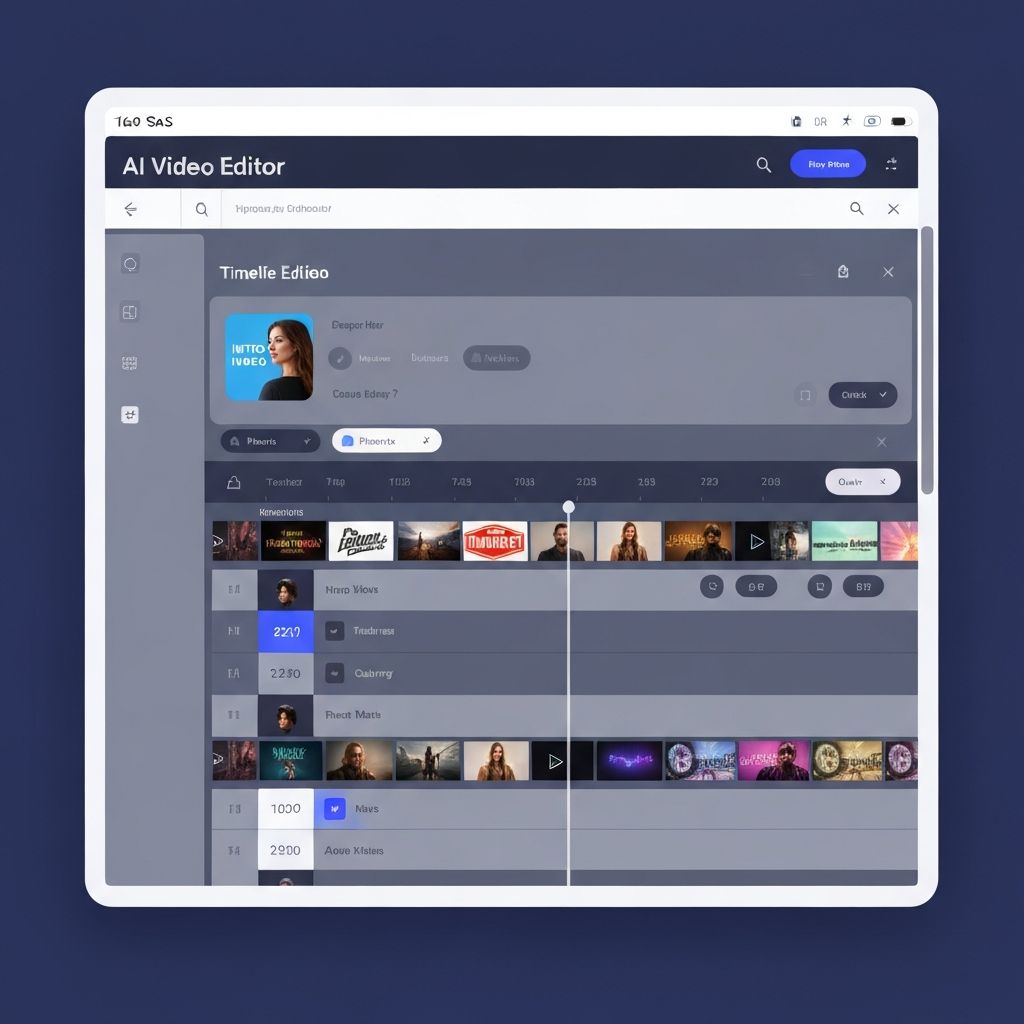
Runway
AI video and image generation suite used by designers for creating motion prototypes, visual effects, and concept videos.
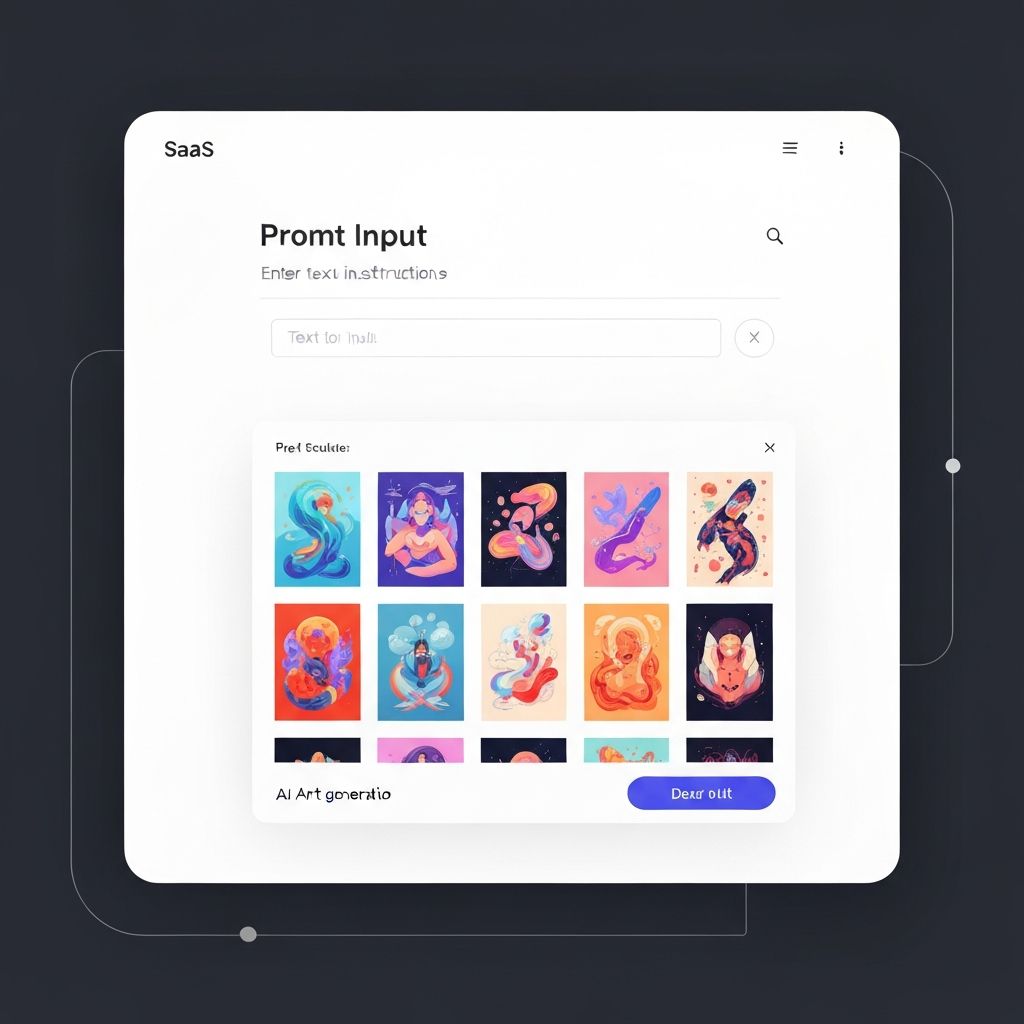
Khroma
AI color palette tool that learns your preferences and generates infinite harmonious color combinations for UI work.
Diagram
AI-powered design tools including Magician for Figma, automating icon generation, copywriting, and layout suggestions.
Locofy
Convert Figma and Adobe XD designs into production-ready frontend code with AI-optimized component structures.
Vercel v0
Generate React UI components from text prompts. Ideal for quickly prototyping interface elements with real, usable code output.
Examples of AI in UI & UX Workflows
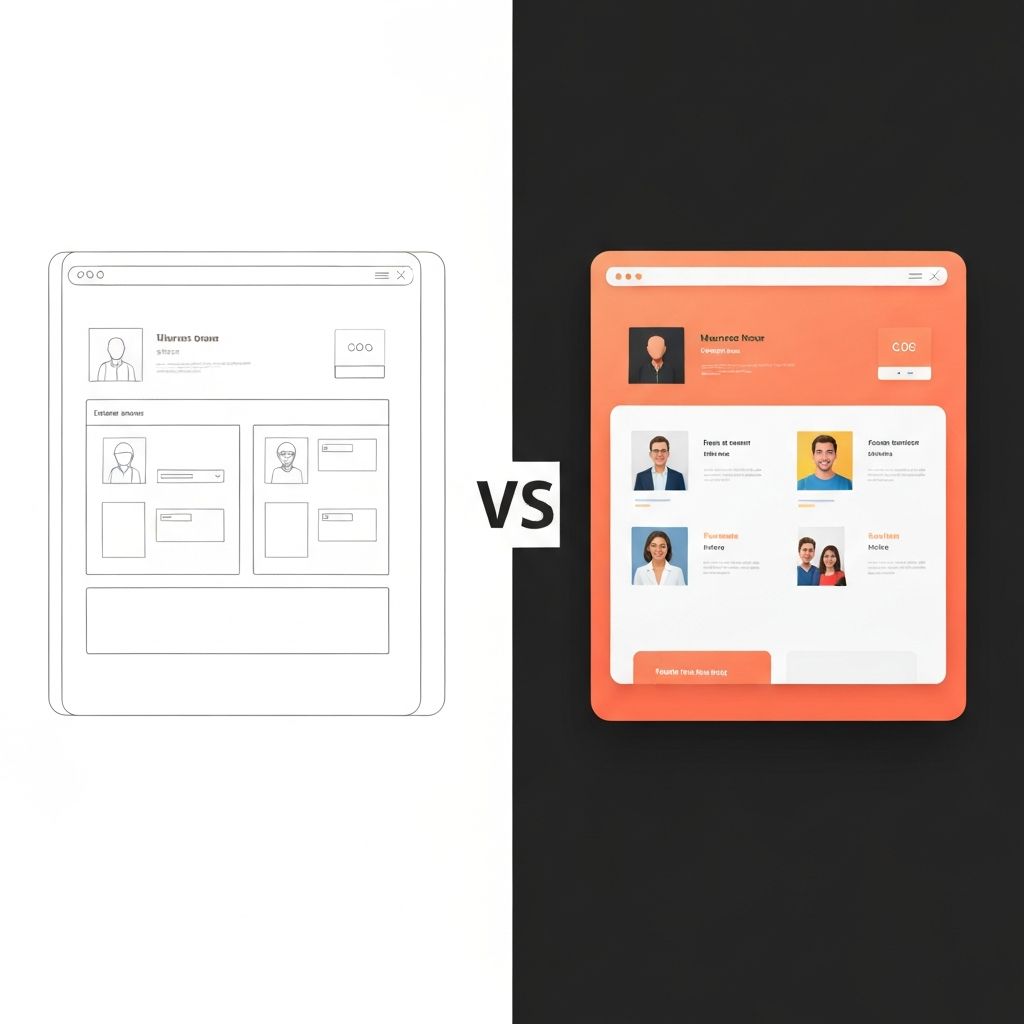
Wireframe to Polished UI
A rough hand-drawn wireframe was uploaded to Uizard, which generated a structured layout. The output was refined in Figma AI to produce a polished dashboard interface in under 30 minutes.
Uizard + Figma AI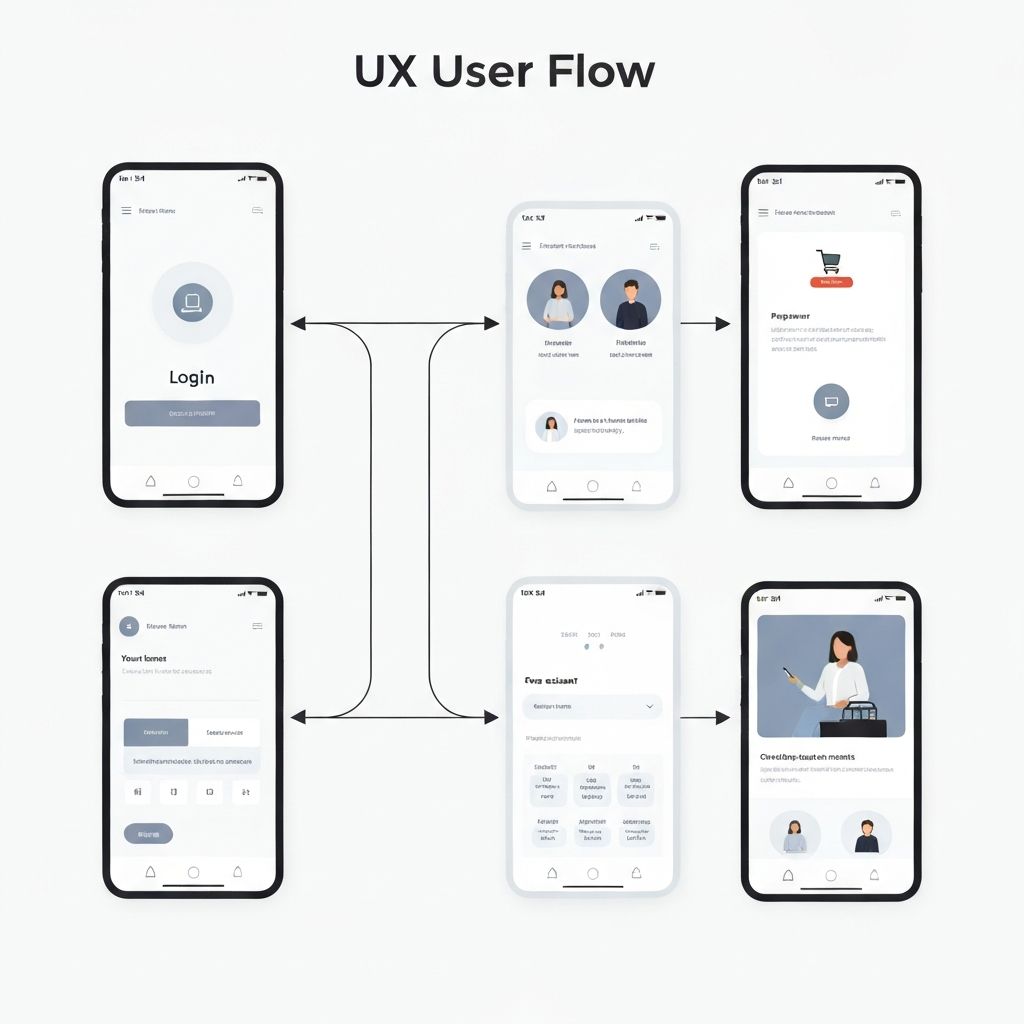
Rapid UX Flow Generation
Relume generated a complete sitemap and wireframe from a two-paragraph project brief. The designer used it as a starting point, cutting the information architecture phase from days to hours.
Relume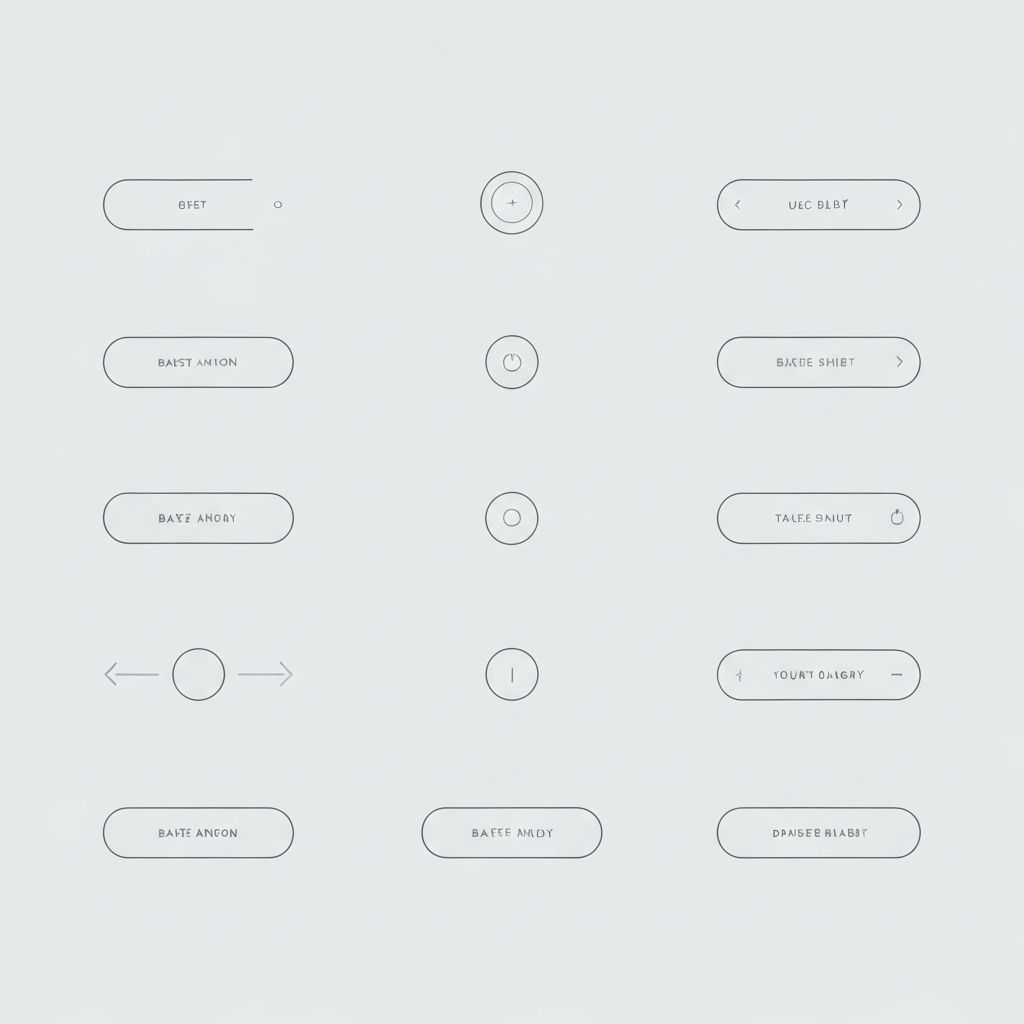
AI-Assisted Microinteraction
A button interaction concept was described in natural language and generated as a working animation using Framer AI. The designer iterated on timing curves without writing any code.
Framer AI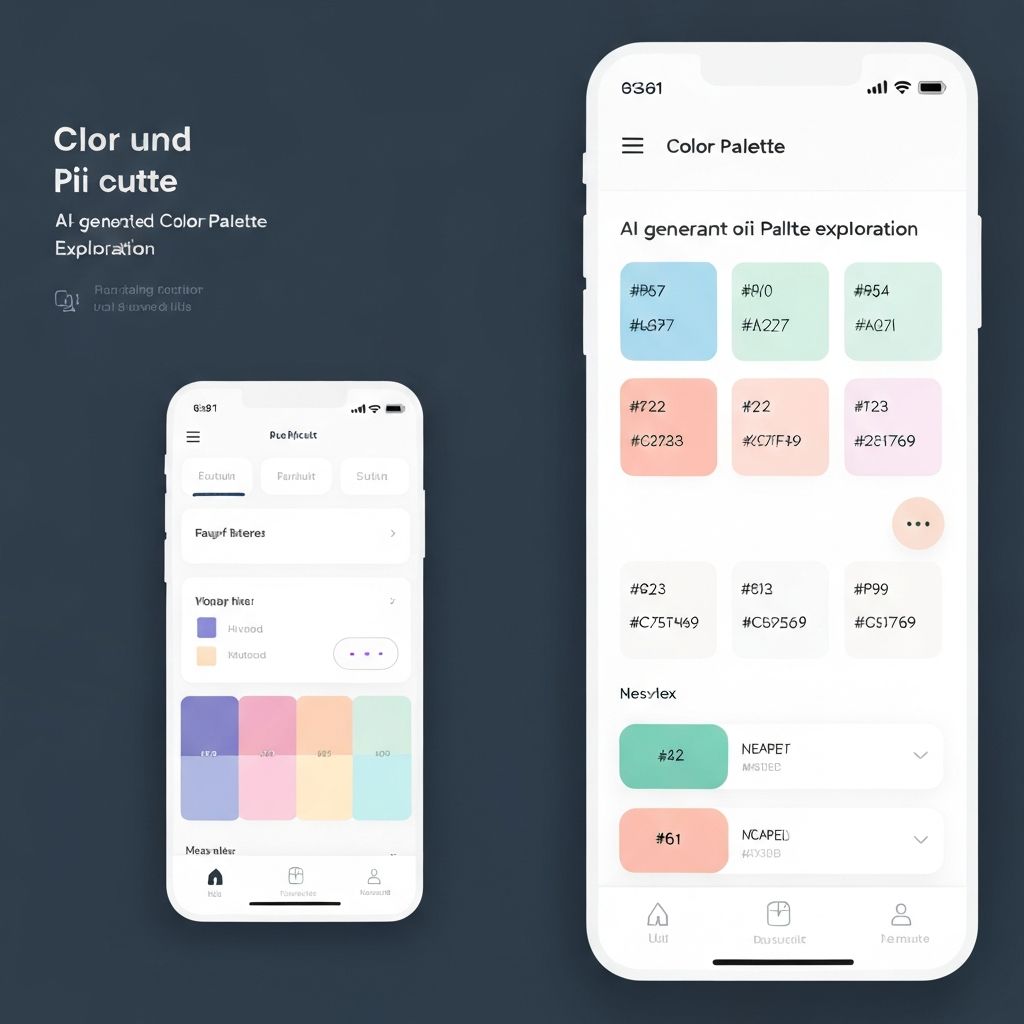
AI Color Palette Exploration
Khroma learned a designer's color preferences from 50 initial selections, then generated hundreds of harmonious palettes. The chosen palette was applied directly to a design system in Figma.
KhromaHow Designers Integrate AI into Their Workflow
Research & Ideation
Use AI to generate user personas, draft user journey maps, and frame design problems. Tools like ChatGPT and specialized research assistants accelerate the discovery phase, helping you synthesize findings and identify patterns faster than manual analysis.
Wireframing & Layout
Generate initial page structures from text descriptions or rough sketches. AI wireframing tools produce editable layouts that serve as a structured starting point, reducing the blank-canvas problem and letting you focus on refining rather than building from scratch.
Visual Refinement
Apply AI for typography pairing suggestions, color system generation, and illustration assistance. These tools help explore visual directions quickly, producing polished options you can evaluate and iterate on without starting each variation manually.
Production & Handoff
Export designs to production-ready code, generate component documentation, and create developer specifications automatically. Design-to-code tools bridge the gap between design intent and implementation, reducing handoff friction.
Frequently Asked Questions
Explore More AI Tools
Stay Ahead of AI in Design
Get curated AI tools and workflow insights for designers — no noise, just what matters.